VST3 · Mac & PC · Free download

Bend sound
with tools that
actually work together.

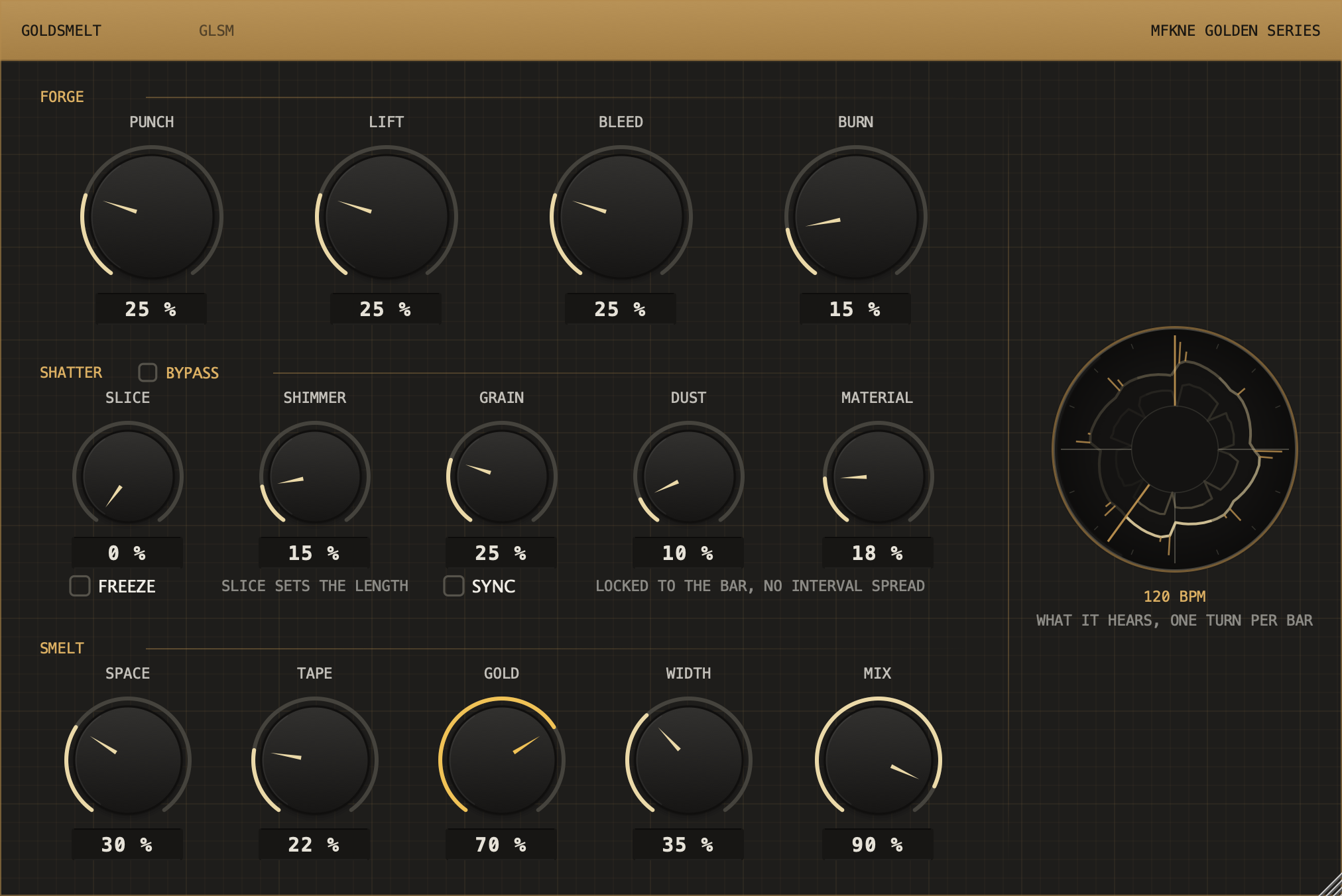
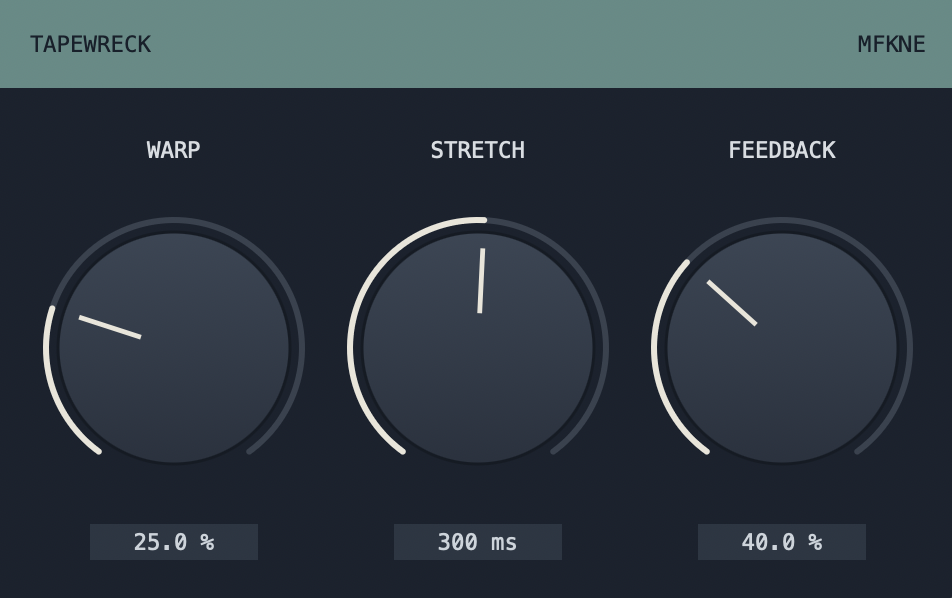
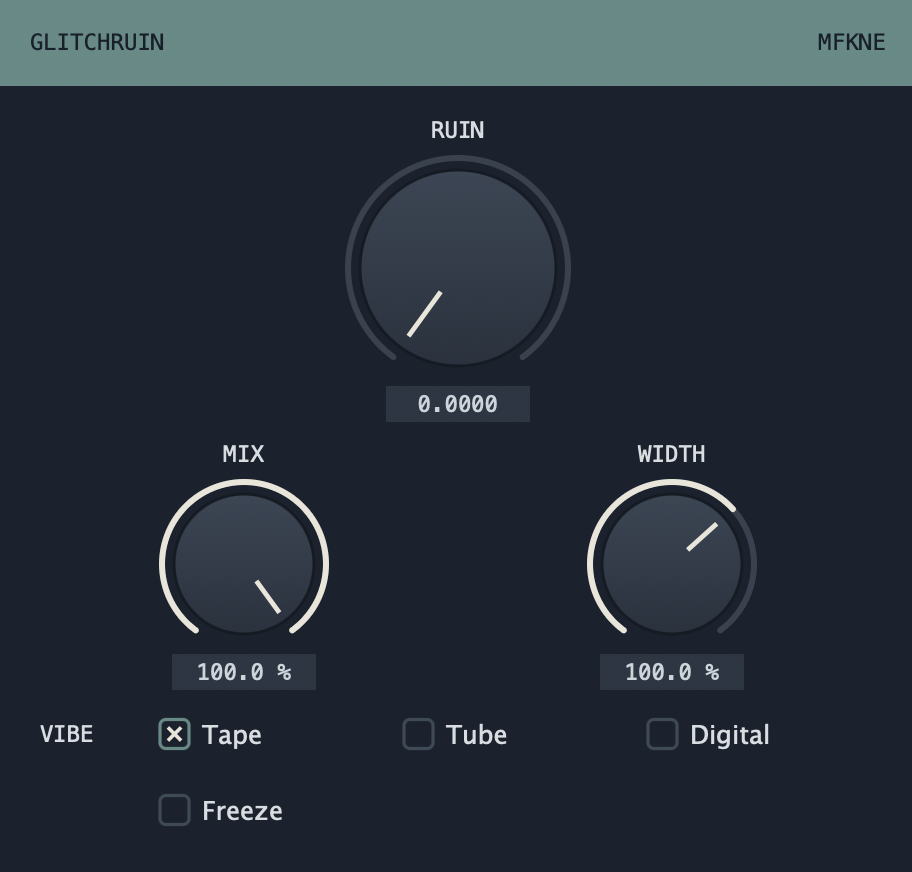
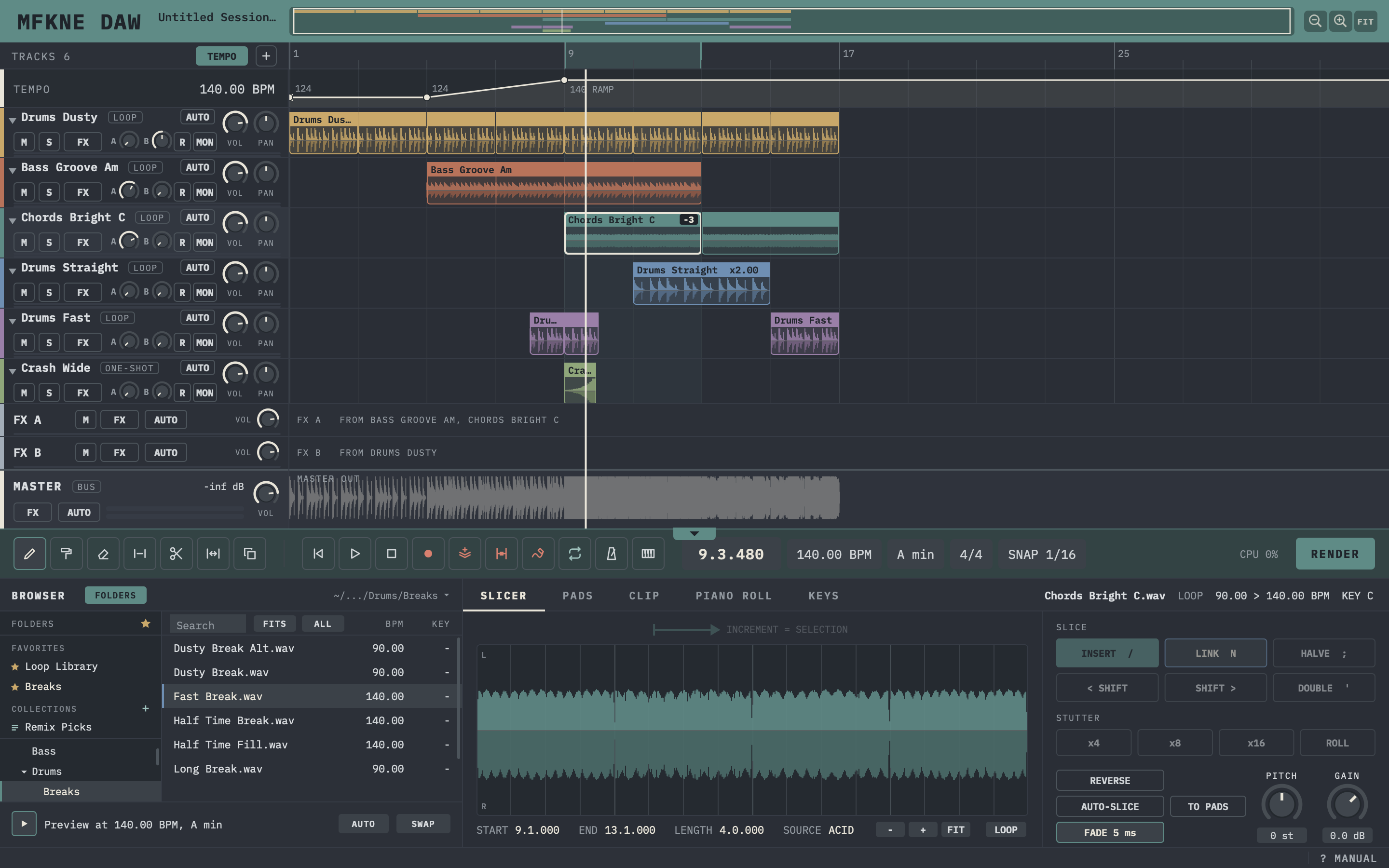
mfkne.com builds its own audio plugins. Not another single-purpose box, but the interplay of several factors in one tool, the kind you normally have to chain from separate plugins to get. Built for shaping, warping and reshaping sound.

VST3The single modern standard
Mac & PCmacOS and Windows, both available
FreeDownload and use, no strings
MFKNE
The idea

Timeless by design. Nothing to distract you.

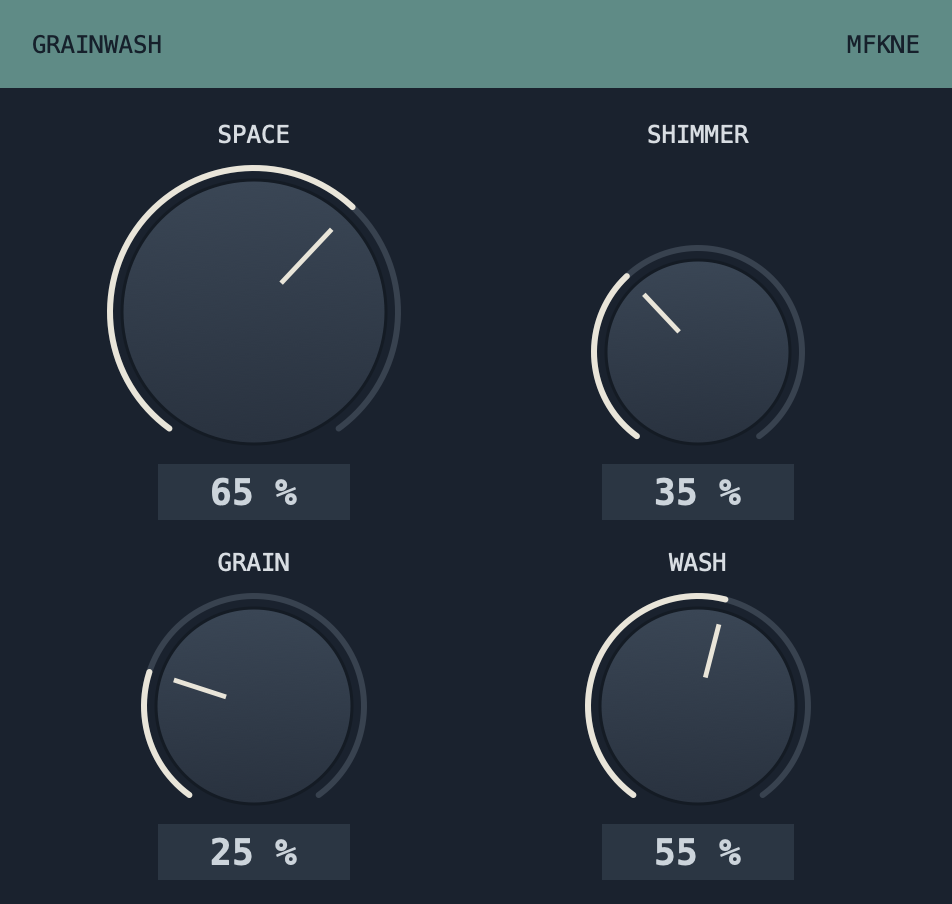
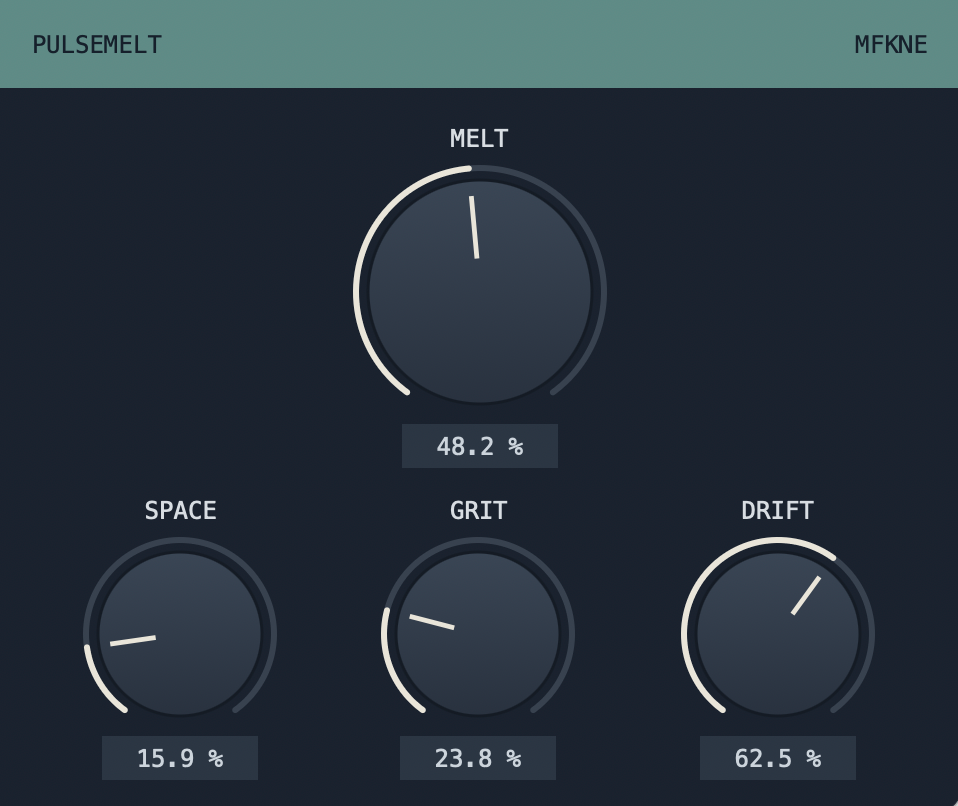
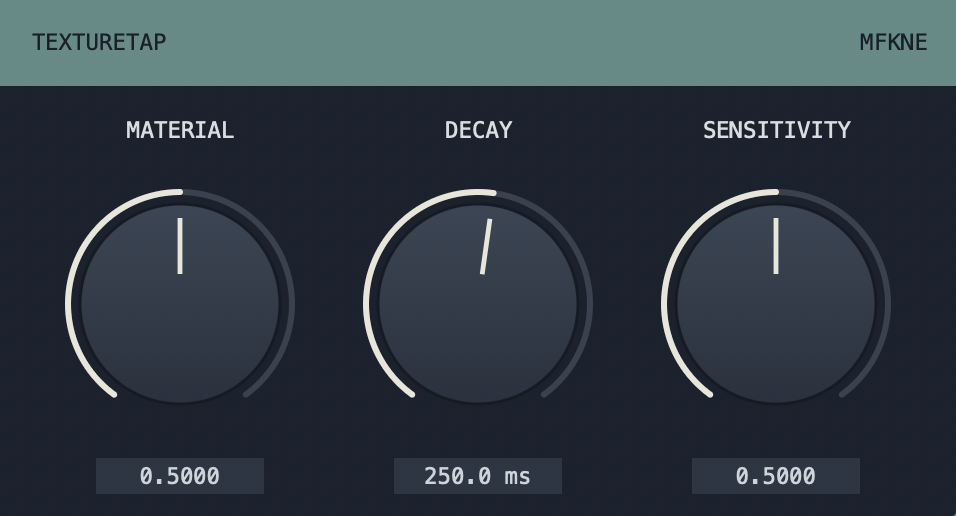
Simple surfaces, no clutter, no gimmicks. What makes these plugins different is not a louder interface, it is the combination inside: several sound-shaping factors that usually live in separate plugins, brought together so they react to each other.

01

One tool, many factors

The strength of a sound-bending idea often gets lost when you split it across five plugins. Here the parameters share one engine and influence one another, so the result is more than the sum of the knobs.

02

Made to bend sound

Warping, folding, reshaping, pushing tone into places it would not go on its own. The focus is character and movement, not another clean, safe utility.

03

Clean, timeless look

A dark, reduced interface that stays out of the way. No trend chasing, no ornament, just the controls that matter and the sound they produce.

The plugins

Free downloads. VST3 for Mac and PC.

Every plugin here is free to download and use. The catalogue grows over time. Full descriptions and downloads live on the Plugins page.

Go to all plugins →

A quick note on installation. Download the ZIP, unzip it and copy the .vst3 into your VST3 folder. On macOS: /Library/Audio/Plug-Ins/VST3 (or ~/Library/Audio/Plug-Ins/VST3). On Windows: C:\Program Files\Common Files\VST3. The plugins are not code-signed yet, so your system may warn you during install. You can safely ignore that and continue. Every download here is guaranteed virus-free.