
PUNCHDUST
PUNCHDUST pulls three moves at once. It drags the attack forward, trails a grainy lo-fi texture into the decay and lifts the whole sustain from underneath, so a thin signal turns dense and physical while the transient peaks stay where they were. One detector pass per sample on the mono sum drives all of it, which keeps the stereo image locked. The engine runs 48 samples ahead, 1.0 ms at 48 kHz, and reports that latency to the host, so texture and lift are already in position when the hit lands. What the plugin adds is strictly the difference between the processed and the dry signal, so the source itself never gets filtered or compressed. PUNCH is a dual-stage transient shaper that tracks its own baseline and touches the attack only, then pushes it into a soft clipper at 2x oversampling through a 97-tap linear-phase half-band filter, so the highs stay crisp instead of aliasing. DUST blends 5-bit rasterized crackle with warm analog hiss and opens only in the gaps where the source falls away, trailing the material instead of sitting under it. SQUEEZE is parallel upward compression that pulls low-level sustain up by as much as 26 dB with transients left out, while automatic gain compensation locks the peaks to unity. TILT is a balance filter around 700 Hz on the added signal alone, bass to the left, treble to the right, and a true bypass with PUNCH and SQUEEZE at zero.
Controls: PUNCH · DUST · SQUEEZE · TILT
SHA-256 Mac: 093d69d0e488fb4c43c79d2caca71a59bb4842c70ae448d043d0611bbff2d54c
SHA-256 Windows: 37bbf5dbe76d4730c18309efebd609fc0a029145fdc3219e24754d6519a79891
PULSEMELT
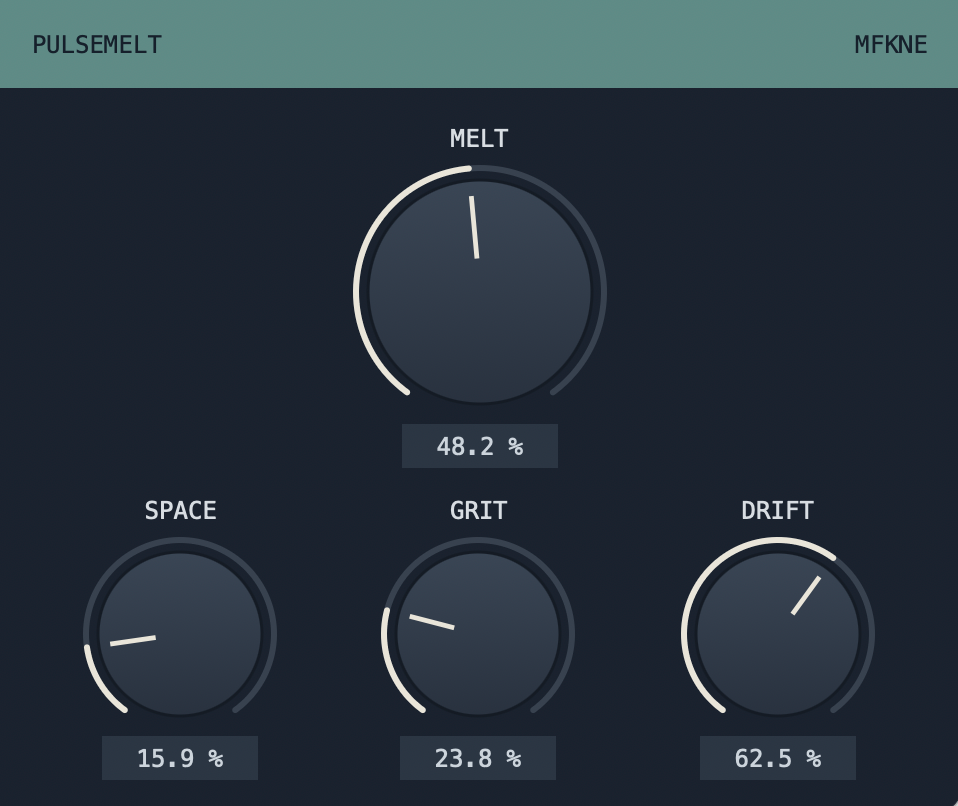
PULSEMELT is not one box doing one thing. Four engines share a single signal path: a tempo-locked delay, a reverb, a continuous morph from clean through tape into bitcrush, and asynchronous pitch drift. What ties them together is that the whole space steps aside on its own. The tail ducks under the signal that feeds it, so transients stay in front while the modulated texture fills the rhythmic gaps behind them. No sidechain wiring, no bus routing, no companion plugin: put it on the track and turn MELT up. The detector runs 3 ms ahead of the audio path and reports that lookahead to the host, so the tail is already out of the way before the hit lands. The dry path gets no filter, no saturation and no compression, so every attack passes through exactly as it came in. SPACE sets room size and tempo-locked feedback, GRIT morphs in one sweep from clean through tape into bit and sample rate reduction, DRIFT adds asynchronous pitch modulation from three unrelated LFOs per channel, and MELT scales wet amount and ducking depth together, up to 85 percent wet and 28 dB of gain reduction.
Controls: SPACE · GRIT · DRIFT · MELT
SHA-256 Mac: 9b63cb9e7ff91686a8c11168c9550f09594b23d77543628ffd1d3cd4fb9c73d3
SHA-256 Windows: 6bc9d76f6af18747fe760855d53d0c474dae722150fd9570e615a3dc98b08c7f
TEXTURETAP
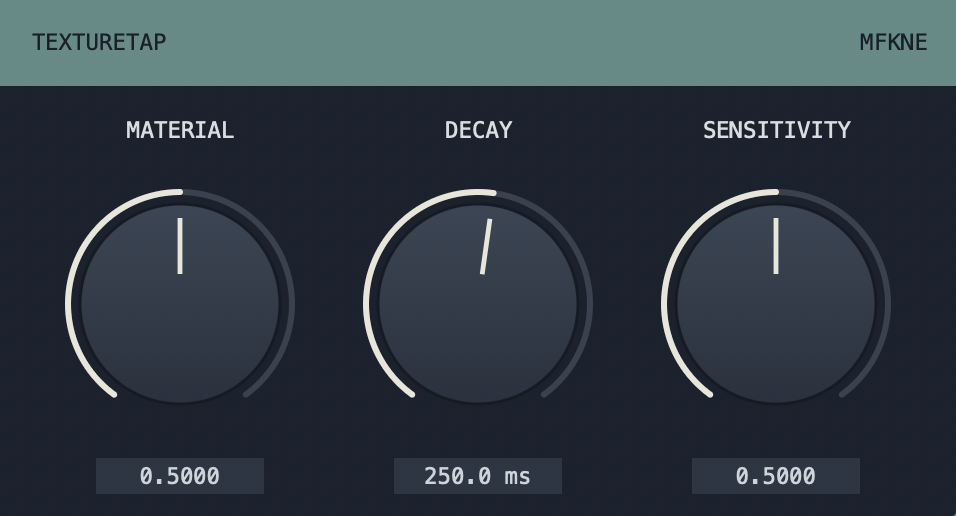
TEXTURETAP listens for hits in your signal and drops a short percussive texture on every onset. A fast onset detector fires exactly once per transient and triggers voices from a small polyphonic pool, each scaled by how hard the hit was. MATERIAL morphs the sound continuously across paper and dust, wood and typewriter, glass and metal. DECAY sets how long the textures ring, SENSITIVITY decides whether only the loud hits count or every fine detail comes alive.
Controls: MATERIAL · DECAY · SENSITIVITY
SHA-256 Mac: 0c65a5c8193f135db0818cac6eb6b5f50168221255306b984e7ebd45cefcbdc2
SHA-256 Windows: eaa5e9dad66b962986b2ae55251f7ca0795849d15f56a8bf6b030c53f00e38df
TAPEWRECK
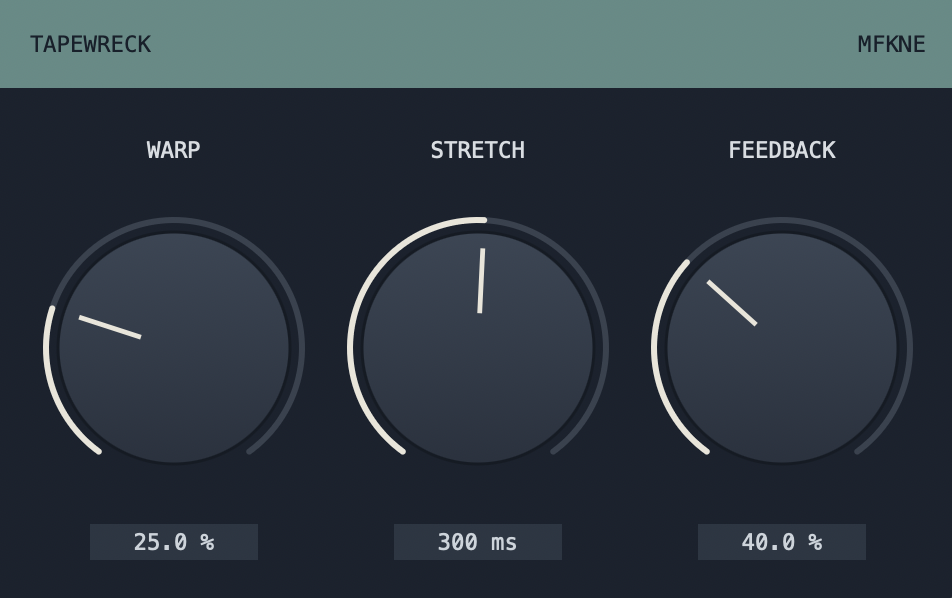
A tape delay with a worn-out transport. A write head lays down your signal plus softly limited feedback, a moving read head plays it back with real wow and flutter. WARP bends the pitch with slow wow, faster flutter and random drift. STRETCH glides to new delay times, so the audio pitches up and down like a real capstan. Push FEEDBACK past 100 percent and an analogue-style soft limiter keeps it singing instead of screaming. From tight slapback to drifting, self-oscillating clouds.
Controls: WARP · STRETCH · FEEDBACK
SHA-256 Mac: 8beca4459abcb79d1c2771a72e3dda6f41f9d781091ce755b8dbf5f0f3ef3524
SHA-256 Windows: 78b051e55e735a41e9f90276581b4fd92e89309b7995ba67abf222f35a0365e9
GLITCHRUIN
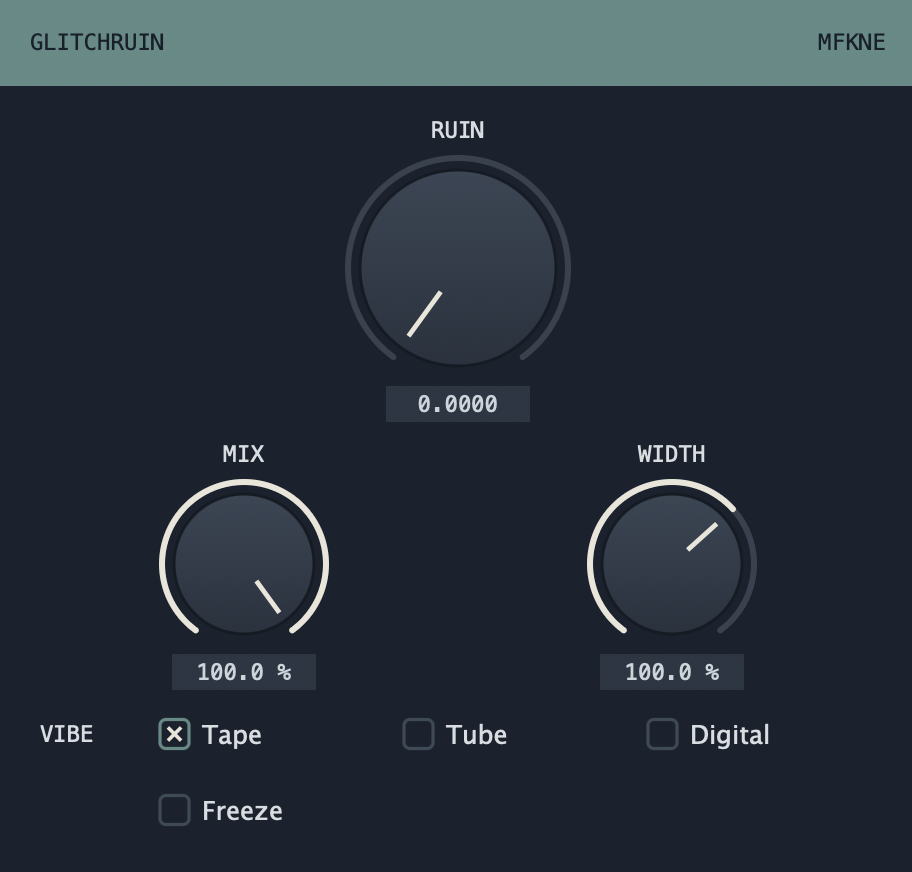
Slice, repeat and slowly destroy. GLITCHRUIN locks to your host tempo, grabs a fragment off the beat grid and repeats it, then drags the whole signal through waveshaping, bitcrushing and a closing low-pass. A single macro, RUIN, drives all three stages at once, from a subtle stutter to full collapse. Choose the flavour of the damage with VIBE (Tape, Tube or Digital), hold a fragment forever with FREEZE, and set MIX and WIDTH to taste.
Controls: RUIN · VIBE · MIX · WIDTH · FREEZE
SHA-256 Mac: 87a31ed9c37cd7bf737c890bc79631e62486bf4d497244a9f63c9d5bae9b2983
SHA-256 Windows: d72ed2f57f11e35b8fb21c2c05d9dca123e231f29b6ce9bc5506d8ff10414a57